
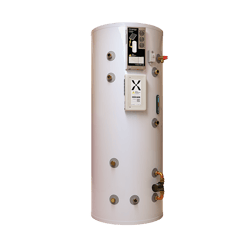
Where a property has solar panels and a hardwired internet connection with the Mixergy Solar X, two network cables usually run into the cupboard with your tank, and they plug into a double wall ethernet socket. If you are unsure to what your connection is, see our guide here.
How to check if the network cable is plugged into the wrong port
Sometimes, the network cables from the controller and PV diverter on the tank to the wall port can be inserted into the wrong ports.
One carries your internet connection. The other carries a signal from your electricity supply to the solar diverter on the tank. Both cables look similar, and if they're in the wrong ports the tank won't come online.
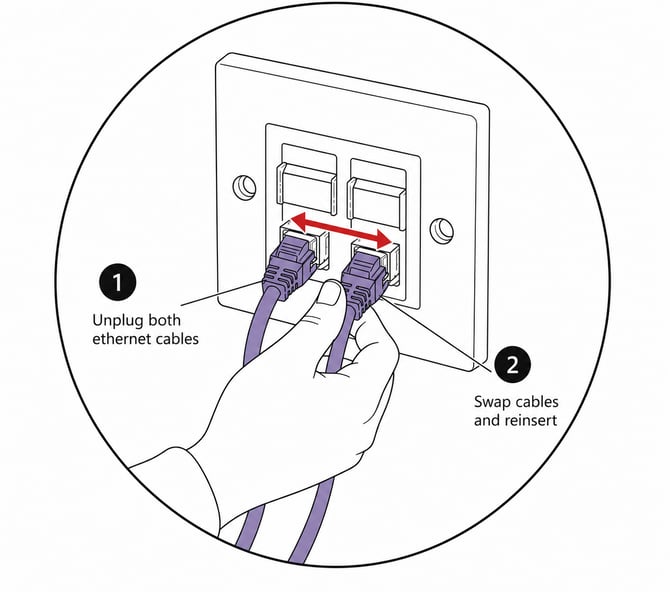
If you can easily reach the wall port with the two network cables, you can test this yourself:
- Find the double wall ethernet socket in the cupboard with your tank. Two network leads run from it to the tank (one into the Solar Diverter and the other into the Controller)
- Unplug both leads in the double wall socket and swap them over, so each one goes into the other port.
- Check that your Wi-Fi is working and wait 5 minutes, then check the Wi-Fi symbol on the Gauge. Blue means the tank is online.
Still not working?
See our general connection troubleshooting to work out what else may be causing you to lose connection.